Your users hit the slow page. We show you exactly which ones.
Pulsecadence captures p75 LCP on mobile, flags third-party scripts blocking render, and tells you the real-world session path — not a lab score. Built for frontend and SRE teams who chase numbers that actually predict bounce.
Lab passes.
Users bounce.
Your Lighthouse score is 97. Your real-user p75 LCP on mobile 4G is 4.2 seconds. Both are true at the same time — and only one predicts whether your visitor converts.
Lab tools run a single pass on a controlled network from one location. Real users bring their own devices, connections, cached states, and third-party baggage. The gap between those two realities is where performance teams lose.
Pulsecadence measures the second number — not the first.
How it worksBuilt for the metrics that actually move bounce rates
Not a generic observability platform. A focused RUM tool that surfaces what your Lighthouse score is hiding.
p75 by segment
Mobile vs desktop, Chrome vs Safari, geography, connection type, new vs returning. Slice your p75 to find which segment is suffering, not just your global average.
Third-party attribution
Name the exact script blocking render in your critical path. Tag managers, consent platforms, analytics suites — Pulsecadence shows you which one adds 890ms.
Session replay lite
Recreate the user journey that preceded a bounce. Not full DOM recording — a lightweight path-and-timing replay that shows which page transitions were slow.
Regression alerts
Get paged when a deploy breaks your p75, not when a synthetic lab poll catches it hours later. Deploy-correlated alerting that fires on real-user data.
Every metric. Every segment. One feed.
Stop switching between tools. Pulsecadence streams Core Web Vitals, custom timing marks, script attribution, and segment breakdowns into a single engineering dashboard — updated in real time as your users load pages.
Start free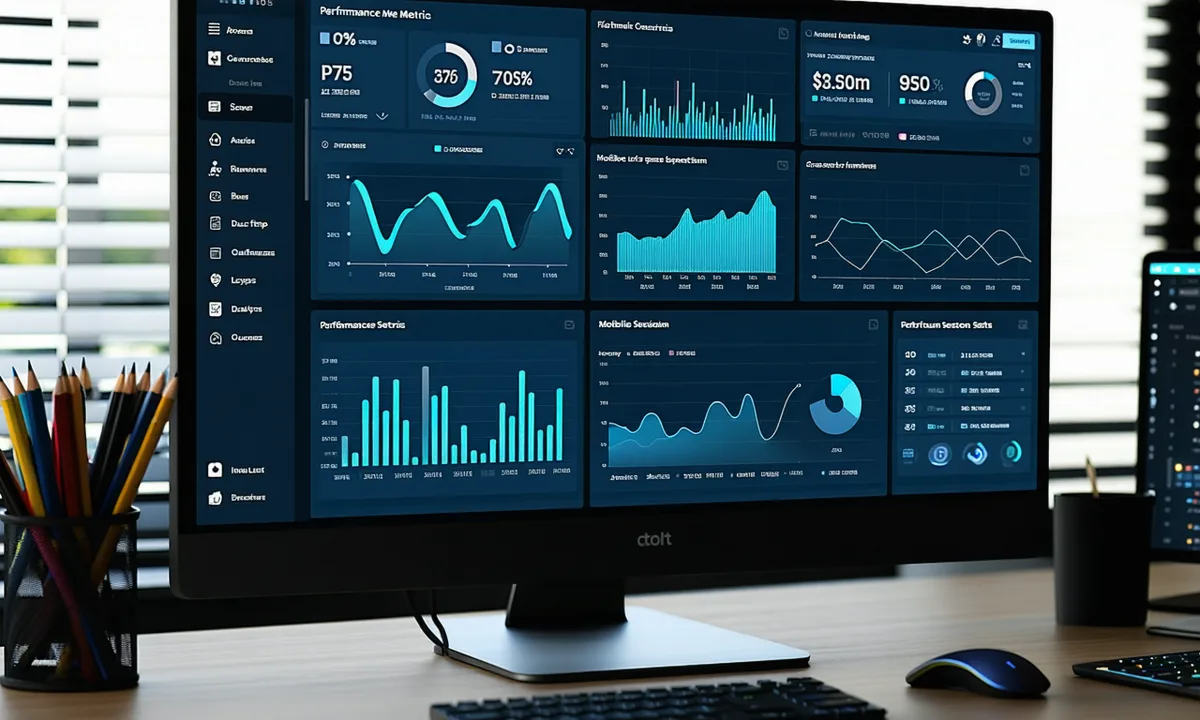
Engineers who stopped trusting lab scores
"We had a 97 Lighthouse score and our checkout page p75 LCP on mobile was still 5.1 seconds. Pulsecadence showed us the exact tag manager script responsible. Removed it, p75 dropped to 2.3s, cart abandonment dropped with it."
"The CLS attribution was exactly what we needed. Our article pages had a 0.22 CLS spike from ad slots. Pulsecadence tied it to a specific ad network in the first session. We knew what to fix within an hour."
"A Tuesday deploy introduced an INP regression in our onboarding form. We caught it the same afternoon via p75 alerting — not the following Monday. That alone justified the cost in week one."